


Remember that feeling of locking your door and thinking, “Did I really lock it?” It’s that tiny flicker of doubt, that little voice whispering about the things you can’t see. Well, for home and business owners today, that doubt is vanishing, and it’s all thanks to the incredible evolution of security cameras.
This isn’t just about catching a bad guy anymore; it’s about seeing if your kid got home safely, checking on the packages dropped off at the front door, or making sure the HOA’s property is secure. I’ve spent countless hours diving into the world of video surveillance and CCTV systems, and trust me, the technology available now is genuinely mind-blowing.
In this ultimate guide, we’re going to cut through the jargon and talk straight about what you actually need to know before you buy. We’ll answer the most common questions and point you toward the best security cameras on the market. Call us if prefer to chat by phone about your specific needs. Rip Lee has been selling video security cameras since 1990. From analog to digital.
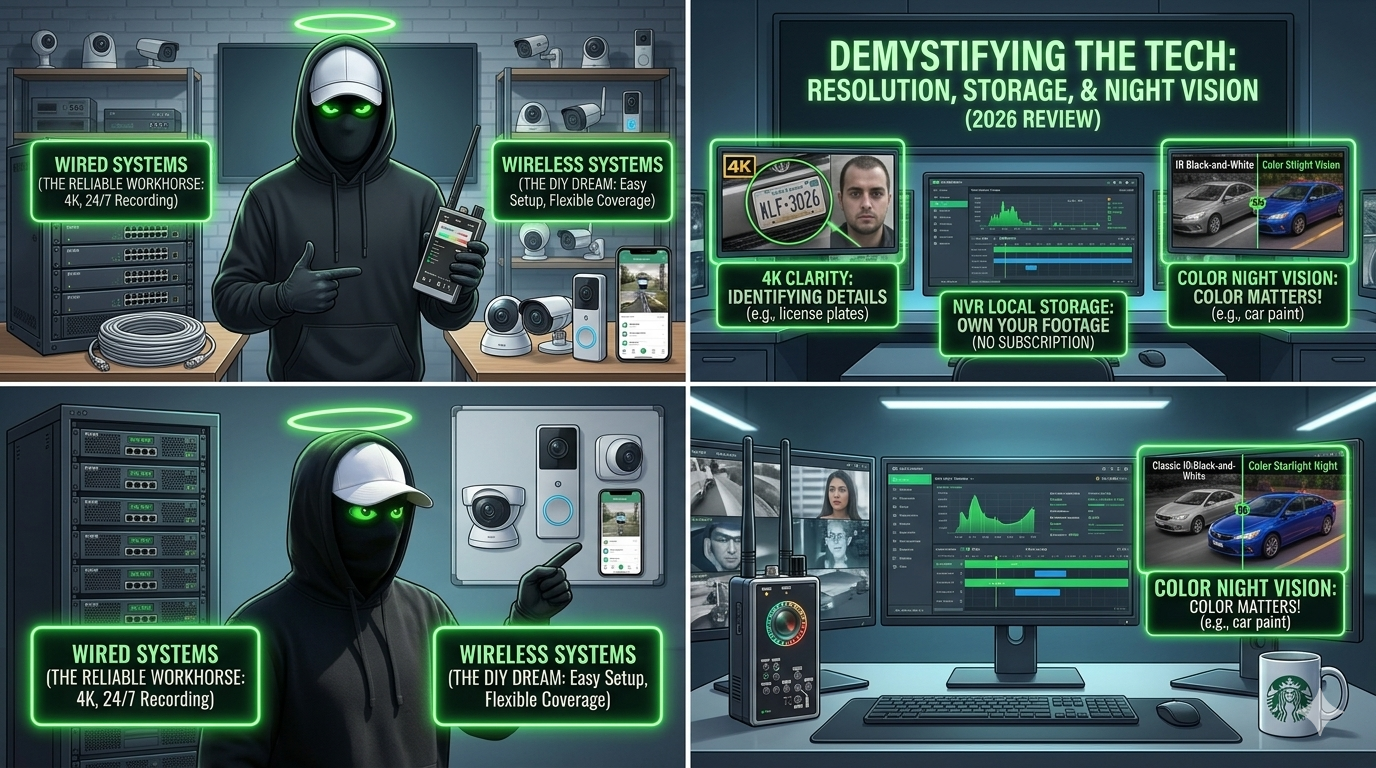
This is the very first fork in the road for anyone looking into a security camera system. Should you choose a wired or wireless security camera system? It’s a classic battle, and honestly, the “best” choice is the one that fits your property and patience level.
When you hear “wired,” think of reliable power and data all running through cables.
Wireless Security Cameras are the heroes of the DIY home security camera setup. They communicate via Wi-Fi and often run on batteries.
Let’s talk about the features that actually matter when it comes to capturing crucial evidence.
Resolution: What resolution is best for a security camera (e.g., 1080p, 2K, 4K), and what is 4K security camera resolution really needed for?
For years, 1080p (Full HD) was the standard. Now, 2K and 4K cameras are common.
Storage: How long can a security camera system record footage, and is cloud storage or local storage (NVR/DVR) better?
This decision usually defines your long-term operating cost, so listen up!
The NVR vs DVR security camera debate is simple: NVR is for modern IP Cameras and runs on network cables; DVR is for older analog systems (CCTV). For anything modern, you want an NVR.
Night Vision: What is the difference between Infrared (IR) and color night vision, and how far can the cameras see in the dark?
This is where the magic happens.
Anecdote: I once tried to identify a car late at night using an old IR camera. All I got was a generic dark sedan. Upgrading to a color night vision model revealed the vibrant blue paint and a custom license plate frame, making the evidence solid. Color matters!
The new generation of security cameras uses AI (Artificial Intelligence) to make the footage useful, not just voluminous.
Smart Features: What are the most useful AI/smart features like person detection, facial recognition, and motion tracking?
The most useful feature, by far, is Person Detection (or sometimes called camera with person detection). Instead of getting an alert every time a tree branch sways or a neighborhood cat walks by (which used to be all the time), the AI can tell you: “There is a person in your driveway.” This massively cuts down on false alarms.
Other useful smart features include:
Let’s quickly run through those other questions I know you’re asking:
| FAQ | Simple Answer & Key Takeaway |
| Do I need a Wi-Fi or internet connection for my security cameras to record? | For recording? No. Many NVR/DVR systems and cameras with security camera with local storage can record 24/7 without internet. For alerts and remote viewing? Yes, you need internet. |
| Are there monthly subscription fees for home security cameras? | Often, yes. Most major brands (Ring, Arlo, Nest) charge a fee for cloud access and smart alerts. Look for brands like Eufy or Reolink if you want a wireless security camera without subscription. |
| How do PoE cameras work? | Power over Ethernet (PoE) uses a single Ethernet cable (like the one you plug into your computer) to transmit both power and data. It makes installation much cleaner than running two separate cables. |
| How difficult is it to set up a DIY security camera system? | Not difficult at all for battery-powered or Wi-Fi systems. If you choose a full wired NVR system, it’s doable, but running the cables will take time and patience. |
| What are the privacy laws regarding installing security cameras? | Generally, you can film any area you own. You cannot film areas where people have a reasonable expectation of privacy (like bathrooms or inside a neighbor’s window). Check your state’s laws, but a good rule of thumb is: Don’t point the camera at your neighbor’s private windows or yard. |
Choosing the right system can feel overwhelming, so I’ve compiled a quick list of the top contenders across different categories. These are the systems I see homeowners, HOAs, and small business security camera systems owners relying on most.
| # | Product Name | Best For… | Key Feature & Price Note |
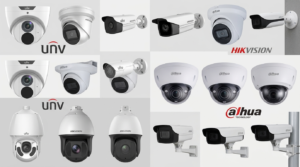
| 1 | Uniview 4K Owlview Cams | Professional Grade | Wired NVR System with no monthly fees. Best for 24/7 detailed recording. |
| 2 | Arlo Pro 5S 2K | Best Wire-Free (Premium) | High-quality, easy install. Note: Smart features need a subscription. |
| 3 | Reolink Argus 4 Pro | Wireless, No Fees Focus | Great battery life, often solar-powered, relies on local storage. |
| 4 | Google Nest Cam (Battery) | Smart Home Integration (Google) | Excellent AI detection and works perfectly with Google Assistant/Home. |
| 5 | Eufy SoloCam S340 | Solar-Powered & Dual-Lens | Great option for remote outdoor placement and free local storage. |
| 6 | Ring Video Doorbell Pro 2 | Front Door Coverage | Premium doorbell camera with two way audio and Head-to-Toe HD+ Video. |
| 7 | Ring Spotlight Cam Pro | Active Deterrence | Combines a camera with a bright light and siren. Great for dark corners. |
| 8 | Blink Outdoor 4 | Budget & Simplicity | Extremely long battery life and the most affordable security cameras for outdoor use. |
| 9 | Reolink TrackMix PoE | Active Tracking (Wired) | Uses PoE and a dual lens to capture both a wide and a close-up view simultaneously. |
| 10 | Amcrest 4K UltraHD Dome | Discrete Wired Coverage | A workhorse dome camera for prosumers who want high resolution and reliability. |
| 11 | Wyze Cam v4 | Best Budget Indoor | Perfect for checking on indoor security cameras for pets or baby monitoring. |
| 12 | TP-Link Tapo C225 | Indoor Pan-Tilt | Affordable 2K camera that physically rotates to track movement. |
| 13 | Google Nest Cam with floodlight | Smart Floodlight | The best option if you want a combined camera and best floodlight security camera that integrates with Google. |
| 14 | AXIS P3265-LVE Dome | Commercial/Enterprise | High-end solution for large businesses or complex commercial video surveillance. |
| 15 | SimpliSafe Outdoor Camera Pro | Monitored System Tie-in | If you use SimpliSafe for alarms, this integrates fully into their platform. |
| 16 | Ubiquiti UniFi Protect G4 Pro | IT Pro Choice | For those with a robust UniFi network who want total private control. |
| 17 | Lorex 4K Nocturnal IP Camera | Night Vision Specialist | Best-in-class low-light performance for truly dark environments. |
| 18 | Eufy Video Doorbell Dual | Package Protection | Second lens is dedicated to package detection right by the door. |
| 19 | Ring Stick Up Cam Pro | Versatile Hybrid | Can be used indoors or out, battery or plug-in, offering great flexibility. |
| 20 | ADT Blue Outdoor Camera | Monitored System Tie-in | Great if you prioritize professional monitoring and are tied into the ADT system. |
The truth is, having security cameras—whether you call them home security cameras, CCTV, or a video surveillance system—isn’t about being paranoid; it’s about being prepared. It’s about having an eyewitness that never blinks.
I hope this guide has stripped away some of the complexity and made your decision clearer. Whether you go with a simple DIY security camera setup or a robust, wired PoE security camera system, you’re taking a smart step toward protecting what matters most.
Ready to start shopping or need a hand mapping out your property? Email me your specific needs. Rip Lee riplee@findaspy.com
Don’t let the thought of complex wiring stop you! Which of these top-rated wireless security cameras do you think is the best fit for your home or business? Tell me in the comments, and let’s secure your peace of mind!
Your vote helps determine FindASpy Insider’s Readers’ Top Picks. One rating is allowed per reader for each article.